



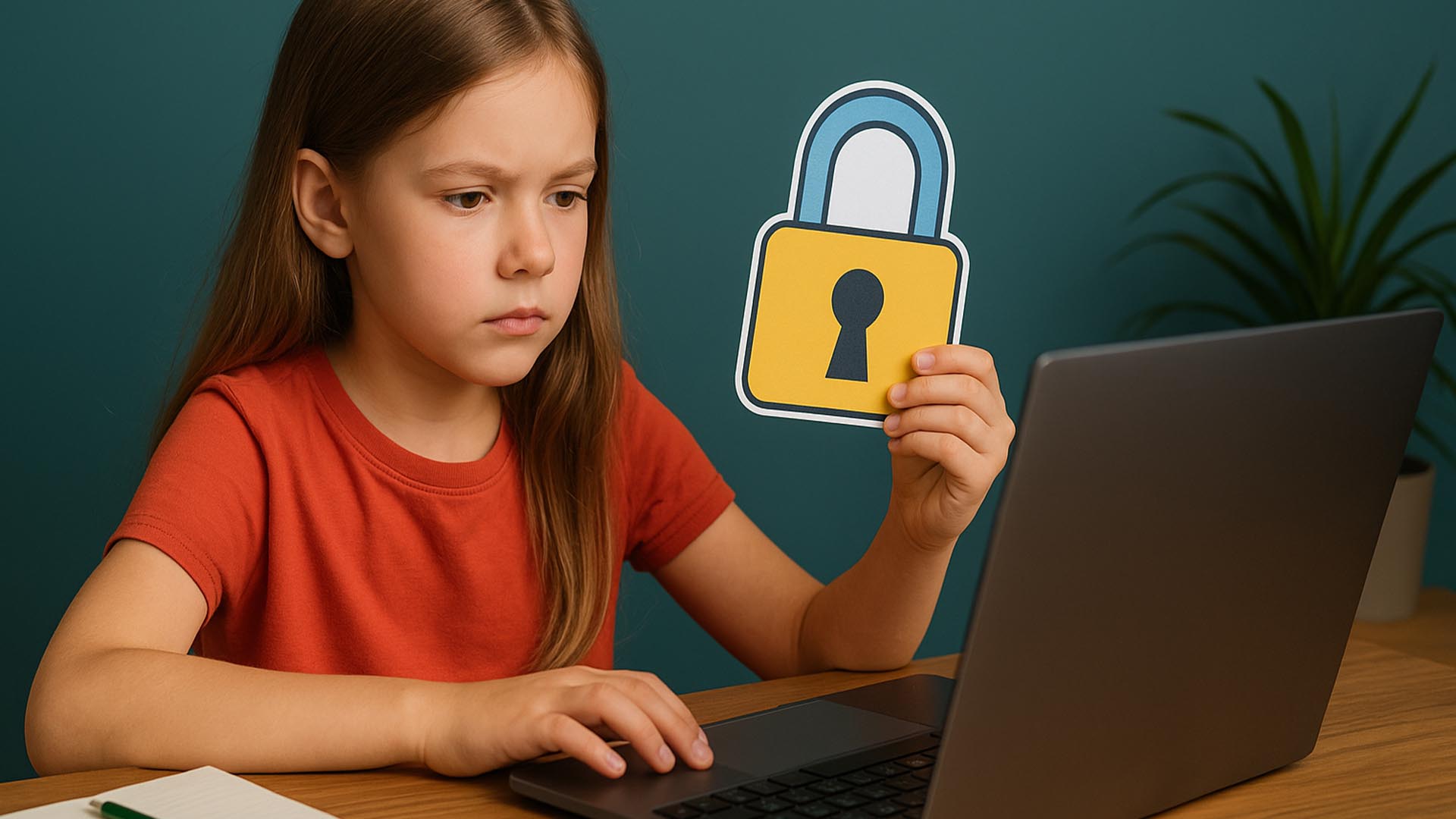
The internet is an amazing place, full of games, learning, and ways to connect with friends. It's like a giant, exciting city! But just like any city, you need to know the rules to stay safe. Your online privacy is your secret superpower, and knowing how to protect it is the most important skill you can learn. This means keeping your personal information safe and using strong passwords.
Protecting Your Digital Footprint
Every time you go online, you leave a digital footprint—a trail of information about what you do and where you go. It's important to keep this footprint safe and clean.
The Golden Rule: Keep Personal Info Private
Your personal information is like a secret treasure map, and you should only share it with people you trust in the real world. This includes your full name, home address, phone number, school name, and pictures of yourself. Never share this information with strangers online, even if they seem friendly. If a website or game asks for too much personal information, ask a parent or trusted adult first.
Creating Super-Strong Passwords
A strong password is the lock on your digital door. A weak password is like leaving the door wide open! A super-strong password should be:
•Long: At least 12 characters.
•Mixed: A combination of uppercase letters, lowercase letters, numbers, and symbols (like !, @, #).
•Unique: Never use the same password for more than one website or app.
A great way to create a strong password is to use a passphrase—a sentence that is easy for you to remember but hard for a computer to guess, like MyDogLovesBones!2025.
Think Before You Click or Share
Before you click on a link, download a file, or share a photo, STOP and THINK. Is the link from someone you know? Does the website look official? If something feels wrong or too good to be true (like a free game that asks for your parents' credit card), it probably is. If you ever see something online that makes you feel uncomfortable, scared, or confused, tell a trusted adult immediately.
"The best way to stay safe online is to treat your personal information like a secret superpower—use it wisely and keep it hidden from villains." - Common Sense Media
Q&A: Your Internet Safety Questions Answered
Q: What should I do if a stranger messages me online? A: Do not reply. Do not click on any links they send. Block the user and immediately tell a parent or trusted adult what happened.
Q: Is it okay to meet an online friend in person? A: Absolutely not. You should never agree to meet an online friend in person without the express permission and supervision of a parent or trusted adult.
Q: Why is it bad to use the same password everywhere? A: If a hacker figures out one of your passwords, they can then access all your other accounts (games, email, social media) that use the same password. Using a unique password for each site keeps your other accounts safe.
Sources
•Common Sense Media: Internet Safety



0 Comments