


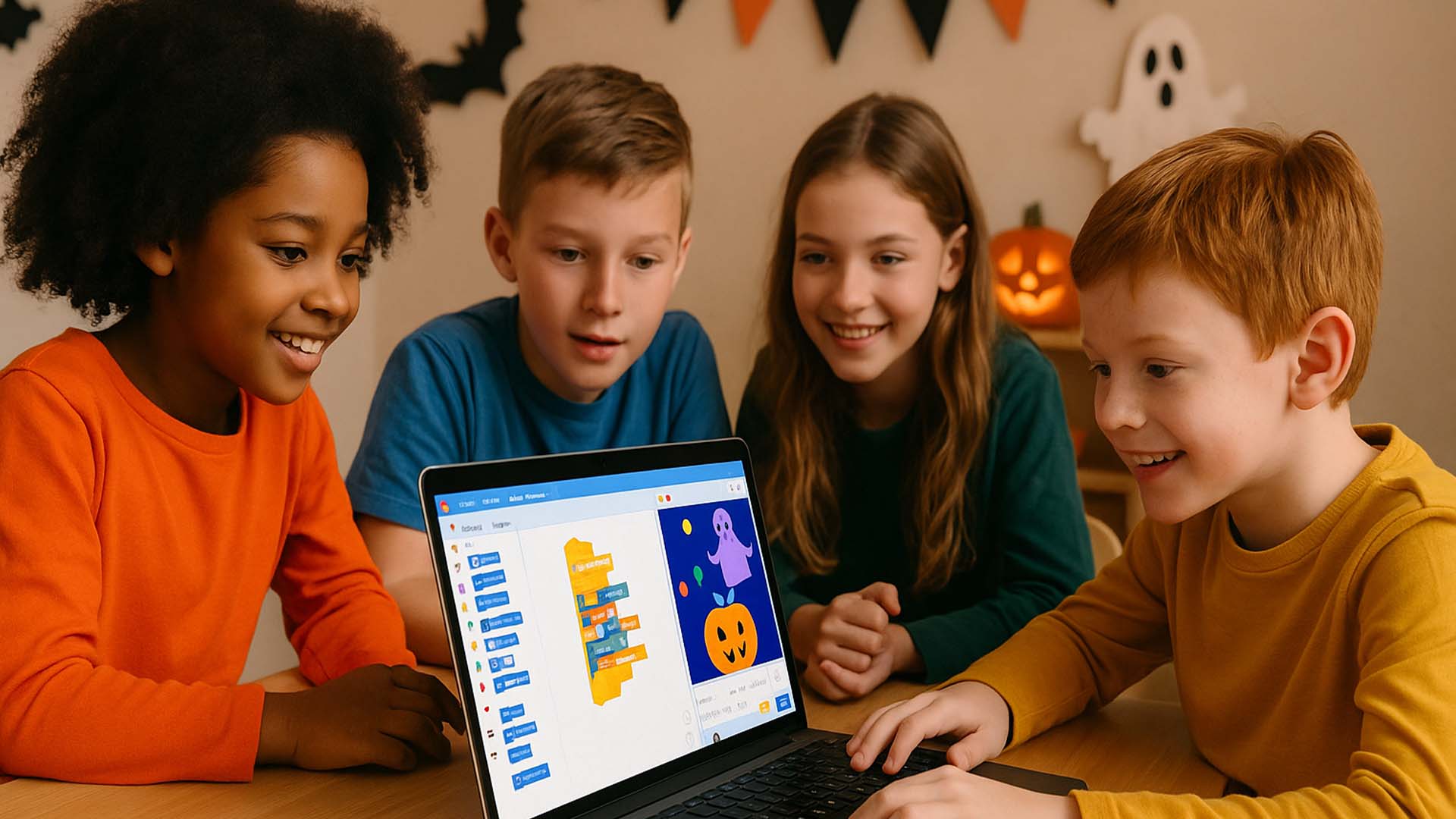
This Halloween, let kids swap candy bags for code blocks in Scratch, MIT’s visual programming platform. With no prior experience needed, children aged 8+ can craft their own spooky games and animations—blending creativity with computer science fundamentals.
Project 1: Candy Collector Game
- Skills: Variables, loops, conditionals
- Overview: Program sprites to fall and be “caught” by a pumpkin sprite following the mouse.
Project 2: Dancing Ghost Animation
- Skills: Costume switching, sound integration
- Overview: Create a ghost sprite that dances to spooky tunes—teaching event-driven animation.
Project 3: Haunted Maze Explorer
- Skills: Cloning, collision detection
- Overview: Design a maze backdrop; spawn clone ghosts that chase the player sprite.
Project 4: Talking Pumpkin Story
- Skills: Speech bubbles, broadcast messages
- Overview: Build an interactive Q&A with a pumpkin sprite that responds to typed prompts.
Project 5: Spider Web Simulator
- Skills: Pen extension, random positioning
- Overview: Use the Pen tool to draw web patterns around the canvas—visualizing geometry and randomness.
Conclusion
Scratch Halloween projects turn festive fun into educational exploration. By building games and animations, kids learn coding logic, problem-solving, and digital creativity—just in time for spook season.
Q&A Section
Q1: What age is Scratch suitable for?
A1: Scratch works well for ages 8–16, though younger kids can follow with guidance.
Q2: Do we need special software?
A2: No—Scratch is free and runs in any modern browser at scratch.mit.edu.
Sources:
- CodeWizardsHQ Scratch Candy Collector tutorial CodeWizardsHQ



0 Comments