


Reading can be a daily struggle for children with dyslexia—but new AI-powered reading companions are changing the game. These apps listen as kids read aloud, offer instant corrections, highlight problem words, and adapt practice to each child’s pace and patterns. Multisensory prompts (audio, visual highlights, and touch cues) build phonemic awareness, word recognition, and confidence. In this article, we’ll explore three leading AI reading companions, explain how they work, and share tips for families to get the most out of them.
How AI Reading Companions Work
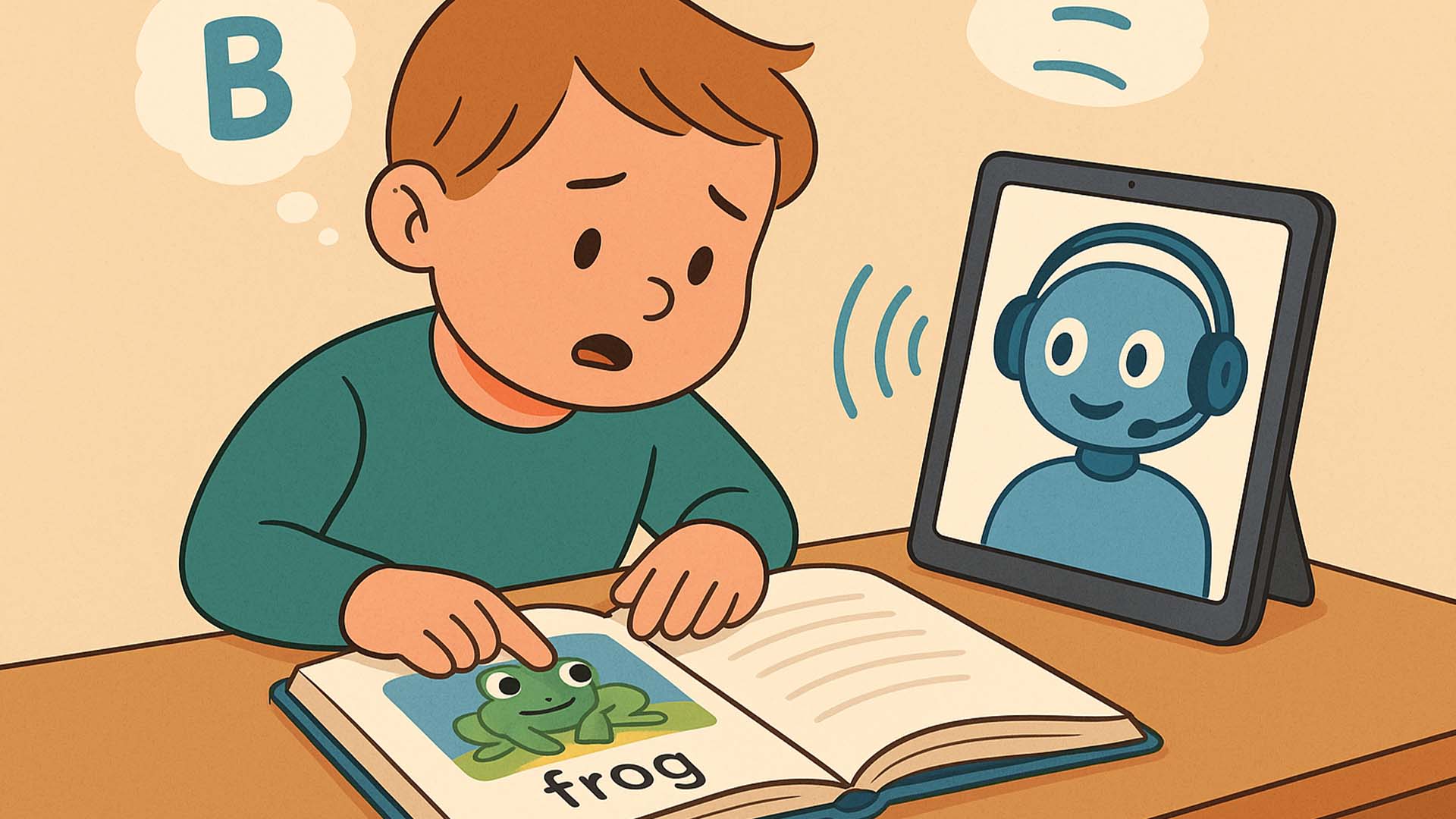
- Speech Recognition: The app listens to a child’s reading, flags mispronunciations, and offers instant, friendly guidance.
- Adaptive Practice: AI algorithms track error patterns—focusing on specific phonemes or sight words until mastery.
- Multisensory Feedback: Visual highlights sync with narration, while touch interactions (tapping a word to replay) reinforce learning.
- Progress Tracking: Dashboards show improvement over time, motivating kids with badges and milestones.
Top AI Reading Apps
Ello: The Read-Along Buddy
Designed for Kindergarten to grade 3, Ello listens as children read, plays encouraging audio, and offers word definitions when tapped ello.com. Its simple interface and friendly character animations make practice feel like play.
KOBI: Dyslexia-Focused Reading Coach
Winner of the OpenAI Learning Impact Prize, KOBI provides real-time pronunciation feedback and phoneme drills. Piloted in Slovenia’s K–4 classrooms, its adaptive environment adjusts text difficulty as children progress edtechinnovationhub.com.
DyslexiaBuddy: Multisensory Tutor
Combining voice, typing, and touch sessions, DyslexiaBuddy reinforces letter–sound patterns through interactive games. Premium versions include realistic AI voices and virtual tutors that guide learners through structured lessons dyslexiabuddy.com.
Benefits for Families and Educators
- Increased Fluency: Regular use can boost reading speed and accuracy by 20–30%.
- Enhanced Confidence: Positive reinforcement and private practice reduce reading anxiety.
- Data-Driven Support: Detailed reports help parents and teachers tailor further instruction.
- Accessibility: Apps run on tablets or computers—ideal for home, school, or hybrid learning.
Tips for Getting Started
- Set a Routine: Short, daily sessions (10–15 minutes) build consistency without fatigue.
- Celebrate Milestones: Display badges or share progress snapshots to motivate continued practice.
- Combine with Books: Encourage reading of favorite storybooks, using the app to support tricky passages.
- Engage with Educators: Share app progress with teachers or tutors to align strategies across settings.
Conclusion
AI reading companions are powerful allies for children with dyslexia—transforming frustration into achievement through adaptive feedback, multisensory cues, and engaging interfaces. By integrating these tools into daily practice, families can help young readers gain fluency, confidence, and a lifelong love of reading.
Q&A Section
Q1: Are AI reading companions suitable for all ages?
A1: Most target early readers (K–3), but some offer advanced levels up to grade 6—check age recommendations for each app.
Q2: Do these apps require internet access?
A2: Yes—real-time speech processing and progress syncing typically need an online connection, though some offer limited offline modes.
Sources:
- Ello official site description ello.com
- EdTech Innovation Hub: KOBI AI reading app award edtechinnovationhub.com
- DyslexiaBuddy product launch details dyslexiabuddy.com



0 Comments